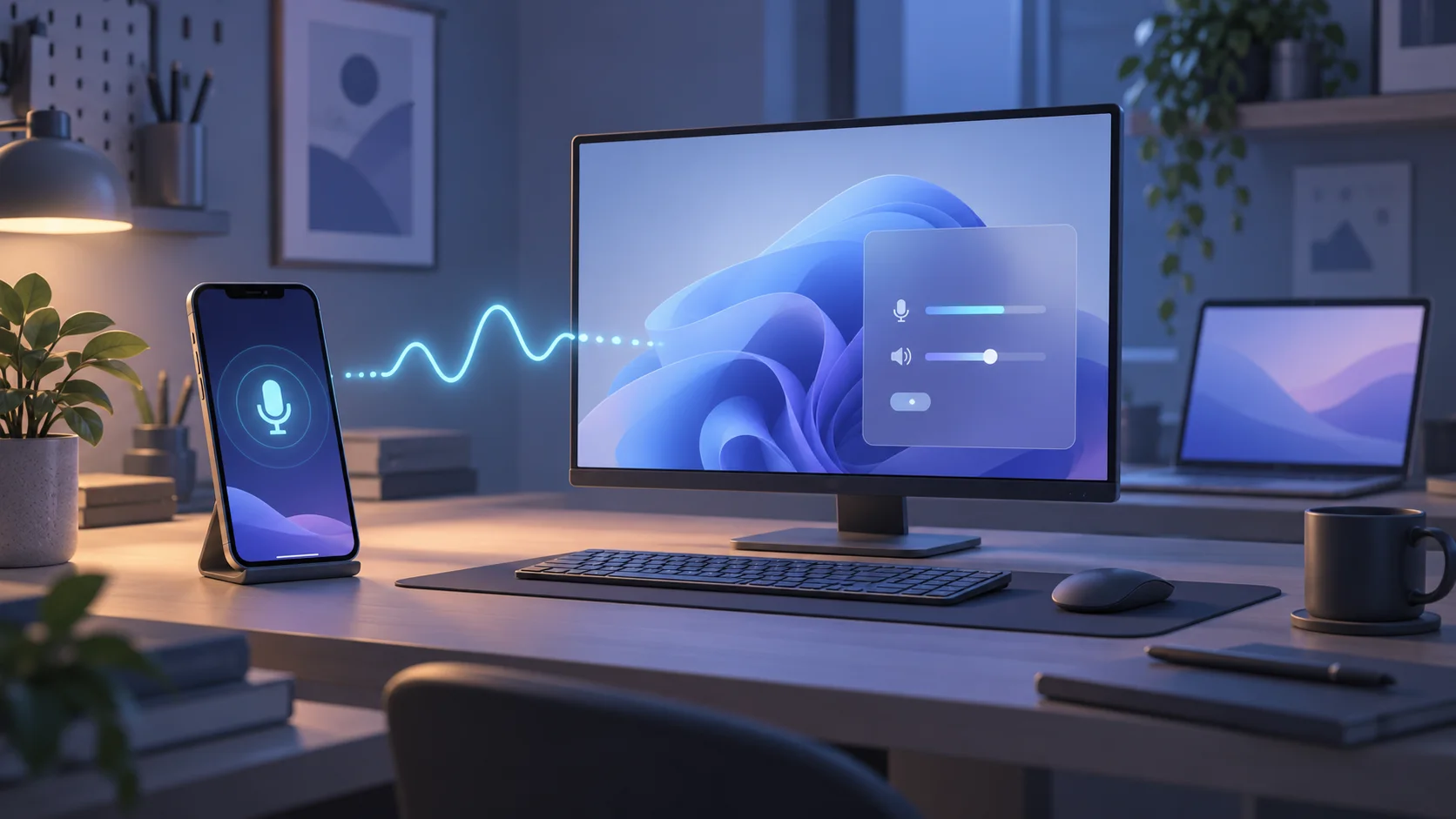
PocketMic LAN turns a phone into a microphone for a computer over the local network. Version 1.7.0 brings together the work left around the 1.6 development baseline: connection fixes, a complete Windows package, and a desktop interface that finally feels at home on Windows 11. It also gives the macOS receiver and iOS sender repeatable development builds through GitHub Actions.
Getting Mica through the whole window
The first attempts made the window border look right while the controls stayed ordinary Windows colours. Adding a dark palette did not solve that: opaque content was still covering the native backdrop.
The final Windows interface uses WinUI 3, with Mica behind the window canvas, transparent page containers, and native Fluent controls using system theme resources. PocketMic selects it on Windows 11 22H2 and newer, retaining the classic interface for older systems. Mica itself is an opaque, wallpaper-influenced material; Windows can show a solid fallback when transparency is disabled or accessibility and power settings require it.
There was one very practical packaging trap. The app built, but the installed WinUI version initially failed because publishing omitted App.xbf and its .pri resource file. Both are now explicitly included, with checks that reject an incomplete package. Testing the installed copy caught something a successful compilation had missed.
Finishing the everyday behaviour
The small desktop details matter when the receiver is something you leave running. The executable, Start shortcut and tray now share artwork derived from the Android icon. The tray icon stays present; closing the window hides it, and opening PocketMic again restores the existing receiver. Explicit Exit shuts down audio and restores microphone assignments still owned by the app.
The release also consolidates pairing and recovery fixes: external pairing links ask before replacing settings, Refresh PCs retries failed discovery setup, and custom-port recovery keeps audio and control traffic pointed at the same receiver. A manually chosen PC can recover on that host without silently jumping to another machine. The Windows installer checks package hashes and preserves settings and the previous installation.
macOS and iOS through GitHub
The Apple work is now part of the repository's build process. The macOS workflow tests protocol behaviour and packages an unsigned universal app and virtual microphone driver for Apple silicon and Intel. The iOS workflow builds and tests in the simulator on ordinary pushes, then produces an unsigned archive for tags and published releases.
Those downloads live in the corresponding GitHub Actions runs, under Artifacts. They are development previews, not signed consumer installers or an App Store release. The next 1.7.1 work is physical iPhone/Mac interoperability, driver installation and recovery, and signing decisions.
What I verified
As of October 15, the tagged release's eight associated CI runs passed. The release record includes 211 Windows tests and 105 Android tests, plus Android lint and native builds. The Windows package and Android APK were installed, and I confirmed the corrected Mica appearance, close-to-tray behaviour and Start-menu reactivation on the desktop.
Long audio sessions, measured latency and physical Apple-device acceptance remain separate checks. For now, 1.7.0 is a development prerelease: the loose ends from 1.6 are pulled into one build, the Windows receiver behaves like a desktop app, and the Apple work has a reproducible place to continue.